Before sending
Find the template and the fields it needs.
list_templatesget_template_properties

These demos show AI agents sending documents for electronic signature through the BoldSign MCP server. Each agent collects details by chat, fills an approved template and asks before it sends. Signers then sign in BoldSign on any device, with no account needed.
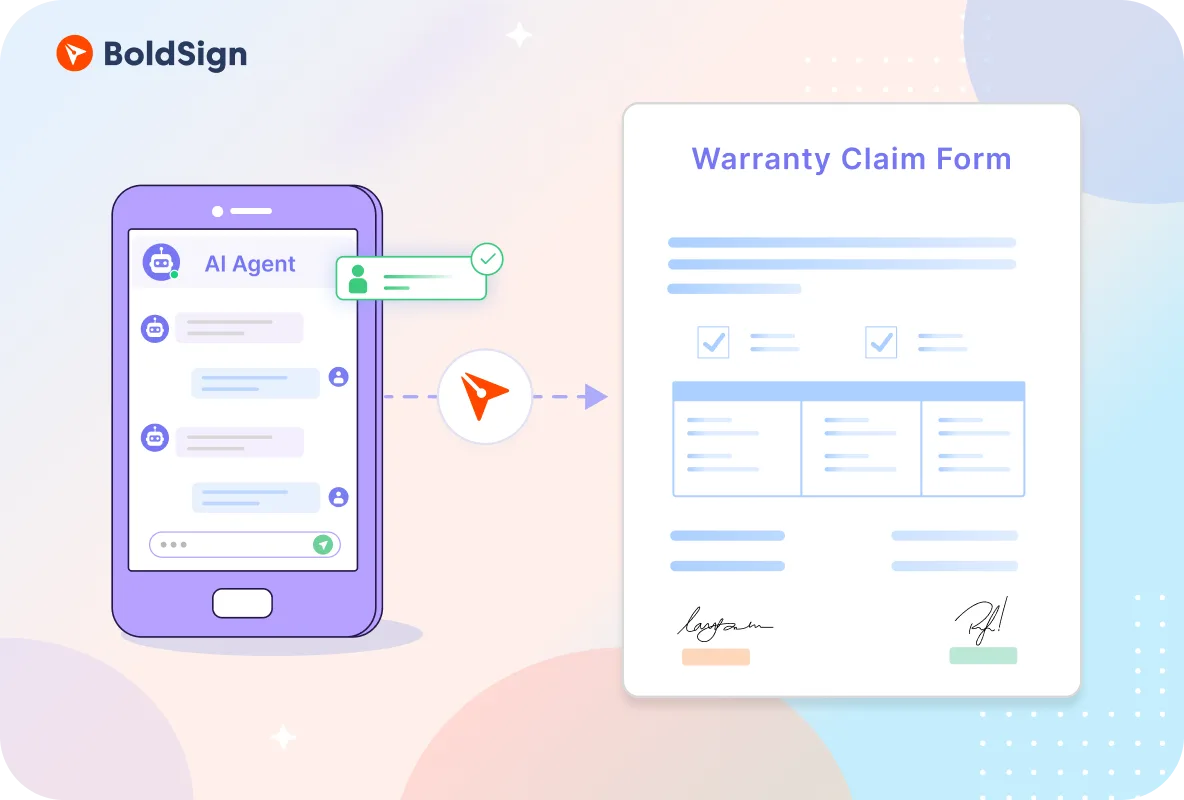
Chat about a faulty product, and the agent sends the warranty claim agreement for signature and tracks it.
View demo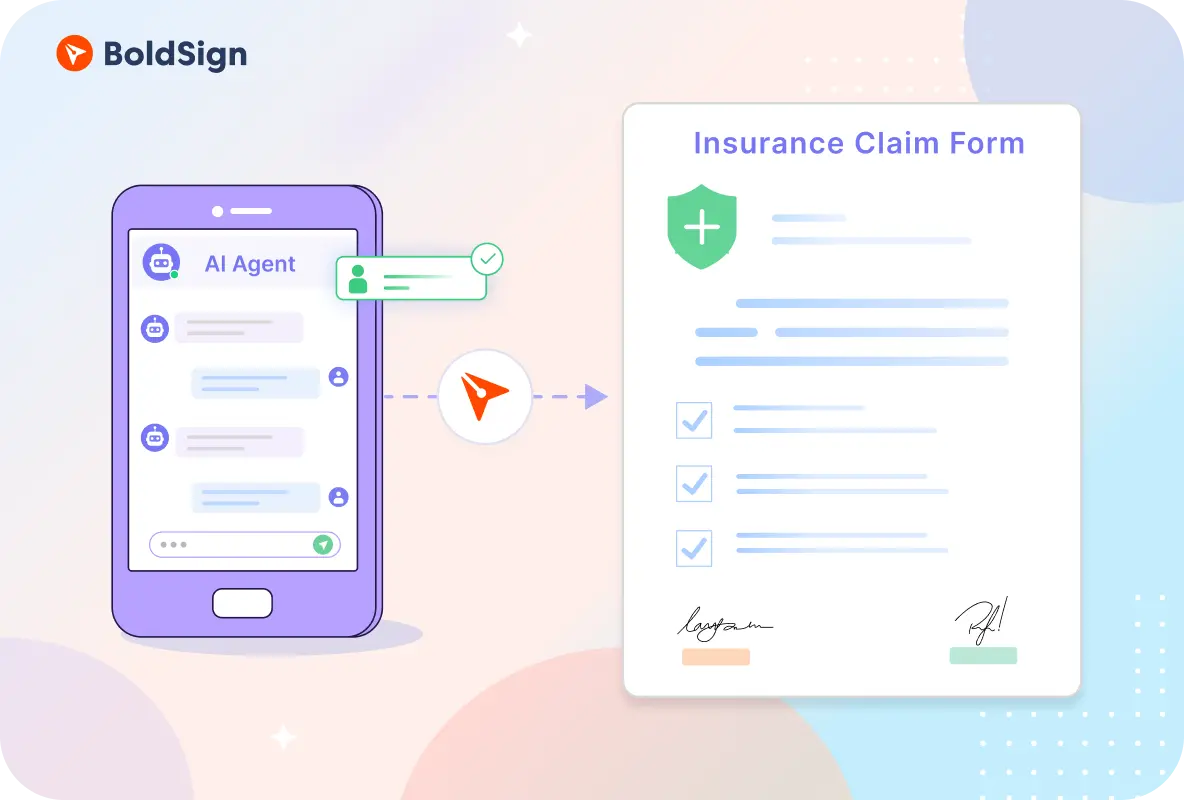
Describe the incident, and the agent prepares the claim form and sends it for signature.
View demo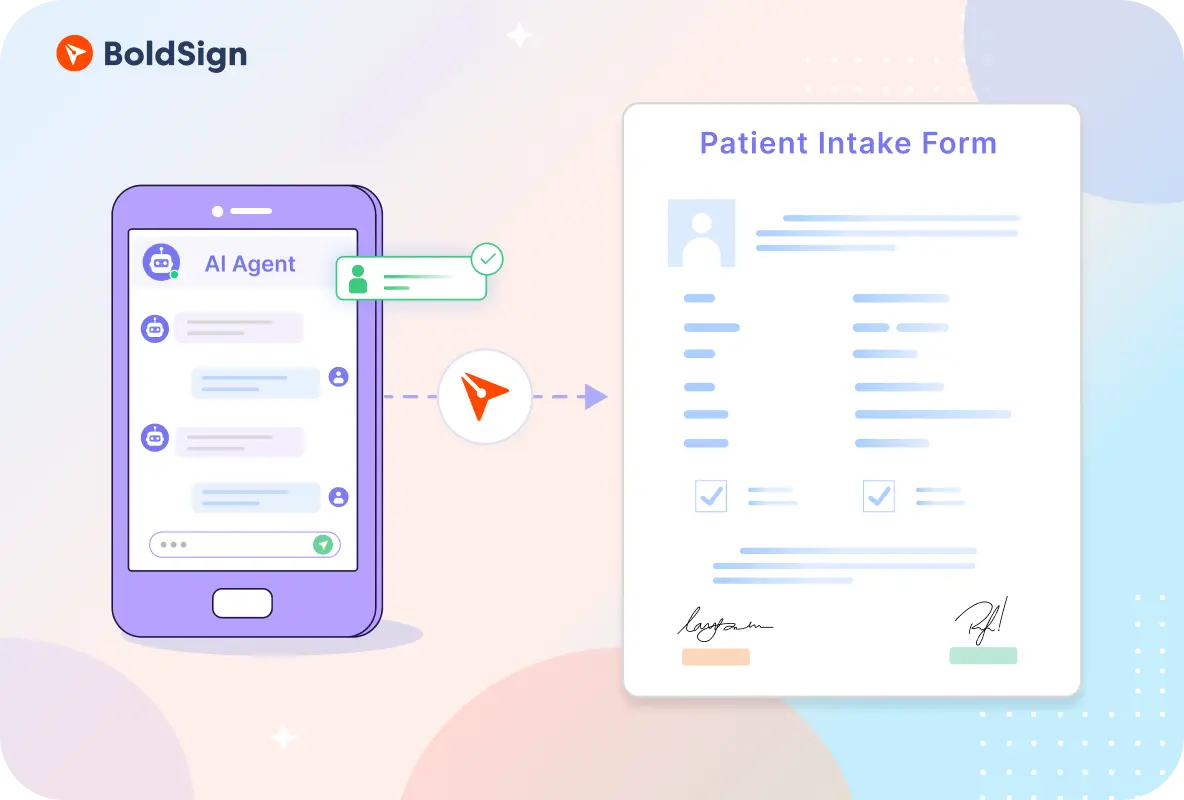
Check in by chat, and the agent sends the intake and consent form for signature.
View demo
Confirm the property and move-in date, and the agent sends the lease for signature.
View demo
HR names the new hire, and the assistant sends paperwork from an approved template.
View demo
Send pre-approved NDAs and contracts, then ask where each one stands.
View demo
Describe the change, and the agent prepares the change order and sends it for signature.
View demo
Confirm your scholarship, and the agent sends the acceptance form for signature.
View demoEvery example sends with send_document_from_template, the only sending tool on the BoldSign MCP server. So an agent can send only templates saved in your BoldSign account.
Find the template and the fields it needs.
list_templatesget_template_propertiesFill the template from the chat and send it.
send_document_from_templateCheck status, remind the signer or cancel.
get_document_propertiessend_reminder_for_document_signrevoke_documentFor how teams use each agent, read AI eSignature agents on boldsign.com.
The BoldSign MCP server lets AI assistants and agents send, track and manage eSignature documents in BoldSign. BoldSign hosts it, so there is nothing to install. Read the MCP server docs.
No. The agent fills an approved template and sends it, and a person signs it from the email BoldSign sends. Every example asks you to confirm before it sends.
Create a free API sandbox and save a template in it. Then connect your MCP client with an API key or OAuth. The developer tutorial walks through a custom agent in Python.